
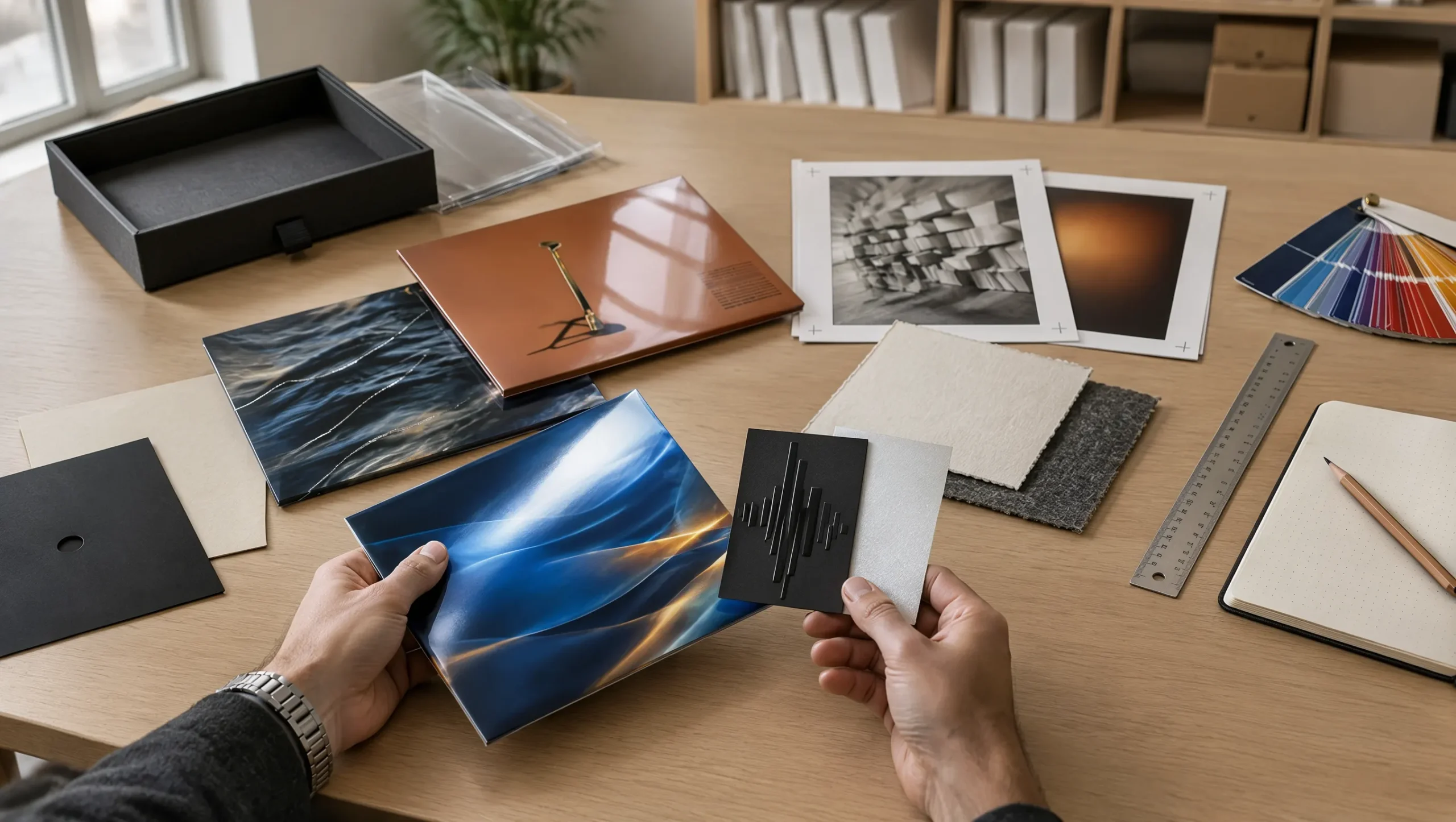
A glossy album cover can make a strong first impression through its shine, colors, and carefully arranged details. Reflective surfaces can give a design a polished appearance, but capturing them beautifully requires thoughtful material selection and controlled lighting.
Creating attractive photographs of Glossy Album Covers involves more than choosing a shiny background. The type of paper, acrylic, glass, and other surfaces can influence how light interacts with the composition. How can these materials work together to produce a professional-looking album image?
Choosing Materials for Reflective Album Photography
The materials used in an album photoshoot help establish its visual identity. Smooth surfaces can create a modern appearance, while layered textures add depth and personality to the composition.
Selecting suitable Glossy Album Cover Materials also makes it easier to control reflections and maintain a consistent visual style. Consider how each material responds to light before deciding which elements belong in the final setup.
Glossy Surfaces That Enhance Light Reflection
Acrylic sheets, polished metal, glossy plastic, and coated boards can create attractive highlights. Black acrylic produces dramatic reflections, while white glossy surfaces offer a brighter and cleaner appearance.
Choose a surface that supports the album’s mood. A bold electronic music concept might benefit from metallic accents, while a minimalist design may look better with a smooth, reflective background.
Paper Finishes for Album Cover Concepts
Glossy photo paper and coated cardstock are useful for album cover mockups because their smooth finishes help colors appear vibrant. Matte paper can also provide contrast when combined with reflective props.
Pay attention to paper thickness and quality. Sturdy materials are less likely to bend during a shoot, helping the cover maintain a clean and professional appearance.
Transparent Materials for Creative Photography
Clear acrylic, glass panels, and transparent plastic can introduce interesting layers into a photograph. These materials allow light to pass through while creating subtle reflections and visual depth.
Before shooting, clean every transparent surface carefully. Dust, fingerprints, and scratches can become distracting when illuminated by studio lights.
Preparing Materials for Glossy Cover Shoots
Once the materials are selected, arranging them properly becomes the next priority. Reflective objects can capture details from their surroundings, including cameras, light stands, and nearby equipment.
Positioning Reflective Objects Under Studio Lights
Place glossy materials at different angles to observe how they respond to the light source. A light positioned slightly to one side can create defined highlights without washing out the entire surface.
Large diffused light sources are useful for producing broad, soft reflections. White bounce cards can also brighten darker areas and create a more balanced composition.
Controlling Glare During Album Photography
Glare can hide printed details, distort colors, and make reflective surfaces difficult to photograph. Adjusting the camera angle or repositioning the light source can help reduce unwanted highlights.
Photography specialist Mike McNamee explains this principle in his discussion of reflective objects, “The solution is usually not more powerful lighting. It is controlling what the subject can see.” This approach encourages photographers to manage the surrounding environment rather than simply increasing brightness.
Combining Textures for Visual Depth
Combining smooth acrylic, textured paper, brushed metal, and transparent sheets can make an album cover photograph feel more dimensional. Each surface contributes a different visual quality.
Keep the arrangement balanced by selecting one dominant material and a few complementary textures. Too many competing surfaces can distract viewers from the main artwork.
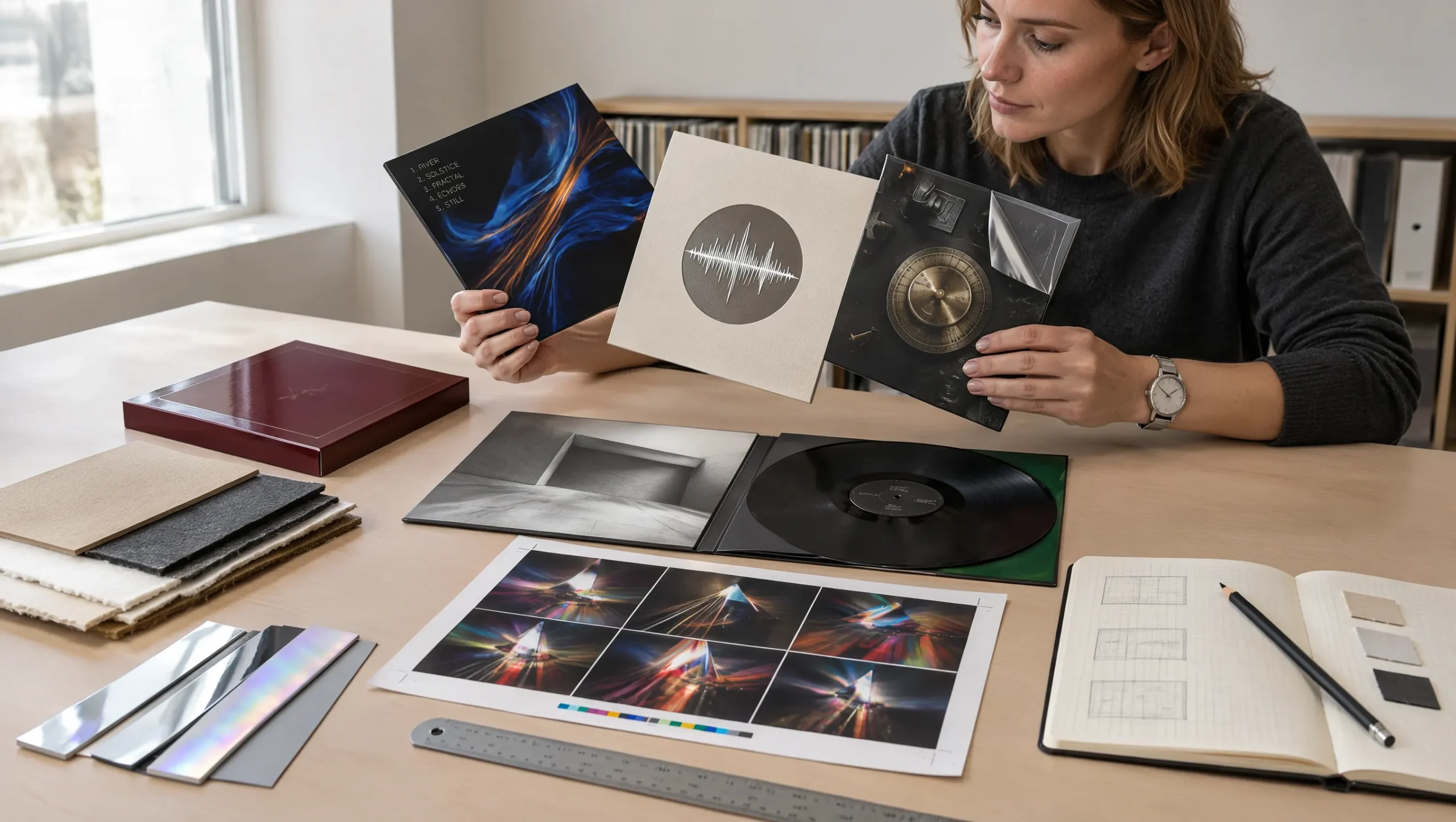
Improving the Final Album Cover Images
After preparing the physical setup, focus on image quality and consistency. Lighting, color, and reflections can change how materials appear, so reviewing test photographs is an important part of the process.
HighSlighting Surface Details Through Lighting
Soft side lighting can reveal subtle textures, edges, and patterns. A narrow strip light creates a defined highlight along an acrylic panel, while a larger softbox illuminates broad surfaces more evenly.
Check the photographs at full size to identify dust, scratches, and distracting bright spots. Small adjustments during the shoot can save considerable editing time later.
Maintaining Color Accuracy in Photographs
Glossy surfaces may reflect colored walls, clothing, or nearby objects, creating unwanted color casts. Neutral surroundings and consistent lighting help preserve the artwork’s intended colors.
Photography educator Tim Grey explains, “For situations (such as product photography) where color accuracy can be critical, I would recommend building a profile based on the X-Rite ColorChecker Passport.” Using a color reference can help photographers maintain more reliable results during editing.
Creating Balanced Reflections Across Covers
Reflections should complement the artwork instead of competing with its main subject. Make sure bright highlights do not cover important text, logos, or visual details.
When photographing several cover designs, compare the images side by side. Consistent lighting, exposure, and framing can help the entire collection maintain a unified appearance.
Create Eye-Catching Glossy Album Cover Photos
Attractive album photography begins with thoughtful material choices and controlled lighting. Acrylic, coated paper, glass, and mixed textures can each contribute a distinctive effect when they support a clear visual concept.
Experiment with different surfaces, review how they reflect light, and refine the composition until every detail feels balanced. With careful preparation, you can create glossy album cover photographs that capture attention and complement the music.